Is Your Professional Monitor Lying? 3 Quick Color Tests for 2026
Your Professional Display Arsenal in the Age of Hyper-Color Precision
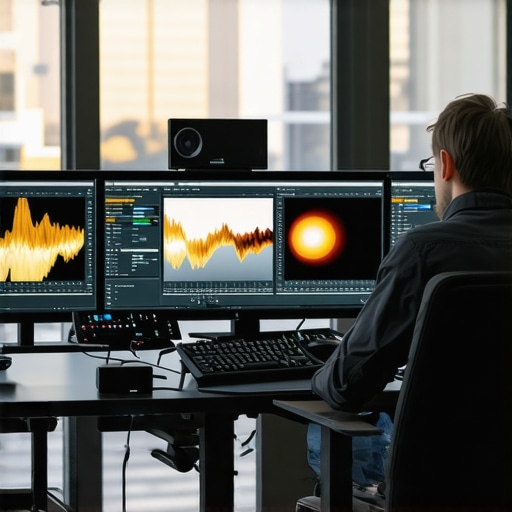
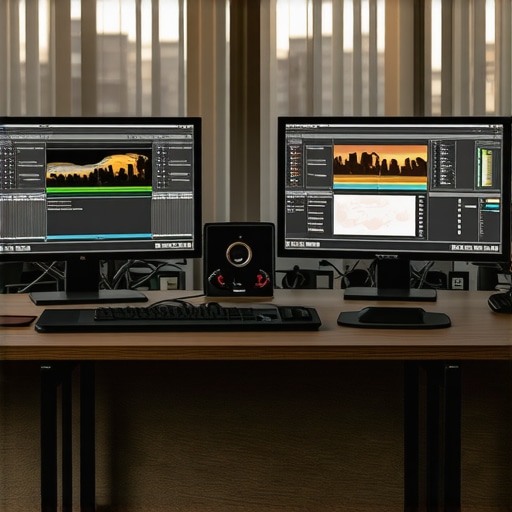
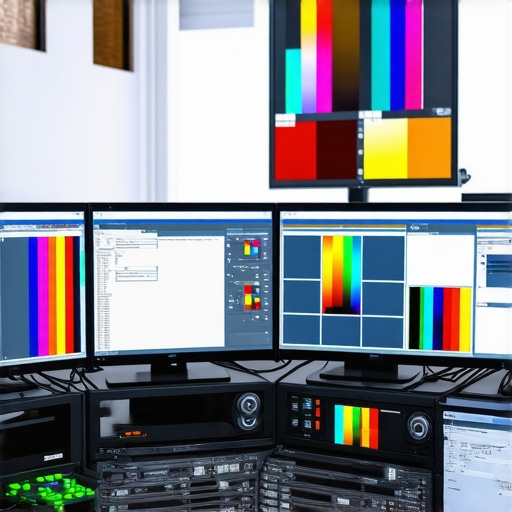
As digital content creation and high-fidelity visual workflows dominate creative industries, the importance of dependable, well-calibrated displays cannot be overstated. A calibrated monitor, particularly one supporting HDR and 4K resolution, serves as the cornerstone of color-critical tasks, ensuring that what you see aligns with true-to-life output. Navigating the nuances of contemporary hdr monitor technology and understanding its implications for color accuracy is critical for professionals seeking precision in their craft.
Reassessing the Role of Calibration in a Post-Monitor World
Calibration is no longer a mere optional step but a fundamental process for any professional monitor aiming to deliver consistent, reliable color reproduction. Advanced calibration techniques, including hardware calibrators and comprehensive calibration targets, enable multi-layered tuning of display parameters such as gamma, peak brightness, and color gamut coverage. Instruments like spectroradiometers and colorimeters have matured, empowering creatives to verify their display’s compliance with standards like DCI-P3 or Rec. 2020, which are pivotal for high-end video and photo workflows.
4K Resolution and Color Fidelity: A Necessary Synergy
The advent of 4k monitors has revolutionized the precision of on-screen editing and grading work. Yet, resolution alone isn’t sufficient; without complementary color accuracy and HDR support, the potential remains unfulfilled. For example, exploring our top HDR monitors with accurate color reveals that many high-resolution displays still struggle to cover wider gamuts or maintain consistent luminance levels. This discrepancy underscores the necessity of both hardware calibration and advanced panel technologies that support high dynamic range content.
When Does a Monitor Truly Meet Professional Standards?
Determining if a calibrated monitor is fit for professional use involves scrutinizing its color gamut coverage, peak luminance, and uniformity. Moreover, the monitor’s ability to sustain color fidelity over time is critical, especially in demanding workflows involving color grading or compositing. The debate persists on whether consumer-grade displays can be sufficiently calibrated or if investment in specialist hardware calibrated models is justified. Recent advancements have made calibrated displays more accessible, yet skepticism remains regarding their long-term stability, necessitating routine re-calibration.
How Do Light Metamerism and Material Variations Affect Color Perception in High-End Displays?
This question encapsulates ongoing disputes among color scientists and display technologists. Light metamerism, the phenomenon where colors appear differently under varying lighting conditions, can significantly influence color judgments. Similarly, material discrepancies in OLED versus LCD/IPS technologies impact observed color accuracy. Professionals must consider these factors when selecting calibration tools and setting standard viewing environments. For a comprehensive understanding, see the detailed analysis in our Ultimate Guide to HDR Calibrated Monitors for Photo and Video Editing.
As the industry advances, the synergy between high dynamic range, UHD resolution, and meticulous calibration will define the next epoch of visual fidelity. For deep dives into selecting optimized monitors for your specific production needs or to contribute your insights, visit our contact page.
Enhancing Your Workflow with Precision Calibration Instruments
Achieving and maintaining top-tier color fidelity hinges on choosing the appropriate calibration tools. While basic colorimeters suffice for general tasks, high-end spectroradiometers offer unparalleled accuracy necessary for professional-grade work. Instrument selection should align with your workflow demands, whether it’s photographic retouching, video grading, or digital painting. Investing in reputable calibration hardware, such as those reviewed here calibrated monitors explained, ensures consistent results and reduces long-term costs associated with color mismatches.
Mitigating Color Drift Over Time: Routine Maintenance Strategies
Even the most advanced calibrated displays are susceptible to drift caused by factors like panel aging, ambient temperature fluctuations, and usage patterns. Establishing a routine calibration schedule—preferably monthly or quarterly—can significantly mitigate these issues. Incorporating automated calibration workflows with hardware that supports continuous profiling simplifies this process, keeping your color accuracy reliable over extended periods. Remember, the key to consistent high-fidelity output is discipline and systematized maintenance.
Can You Trust Consumer Monitors for Critical Color Work?
Many professionals grapple with whether high-end consumer-grade monitors can be sufficiently calibrated for demanding projects. The answer depends on the display’s inherent quality, including color gamut coverage, luminance stability, and uniformity. Recent innovations have made some consumer panels capable of meeting professional standards provided they are paired with hardware calibration tools. Nonetheless, dedicated professional monitors typically offer more predictable performance, especially at the high end of color spaces like DCI-P3 or Rec. 2020, which are indispensable for cinematographers and colorists. For an in-depth comparison, see our guide on calibrated monitors that fix your workflow.
What role does viewing environment play in the perceived accuracy of calibrated displays?
Color perception is profoundly influenced by ambient lighting, wall colors, and even the observer’s vision. Setting up a controlled environment—using neutral-colored walls, consistent lighting conditions, and anti-glare filters—can drastically improve the reliability of your color assessments. Industry standards recommend viewing in D50 lighting conditions, with uniform, indirect illumination to suppress glare and reflections. Understanding these environmental factors is essential for professionals aiming for consistent, repeatable results across different locations or projects. Check out our detailed discussion on ultimate guide to HDR calibrated monitors for more insights.
If you’re interested in elevating your calibration setup or need expert advice tailored to your workflow, contact us here.
The Crucial Role of Color Depth in Architectural Visualization
In the realm of architectural design, the gap between concept and presentation hinges significantly on the fidelity of visual displays. Monitors supporting 10-bit or higher color depths are essential, as they encapsulate nuances in shading and subtle gradations that 8-bit displays often obscure. This enhancement profoundly influences how architects and visualization specialists interpret light, shadow, and material textures, enabling hyper-realistic renderings that communicate design intent with clarity and conviction.
HDR Compliance: Elevating Realism in Building Simulations
High Dynamic Range (HDR) technology isn’t merely a marketing buzzword—it’s a transformative feature that impacts architectural visualization profoundly. HDR monitors with a luminance range exceeding 1000 nits accommodate the extreme contrast ratios present in daylight simulation, interior lighting, and material reflectivity. When combined with calibrated color profiles, HDR empowers architects to assess lighting environments more authentically, ensuring interiors and exteriors are rendered with naturalistic brightness levels and shadow details—a vital aspect when stakeholders need to grasp how design interacts with natural light throughout the day.
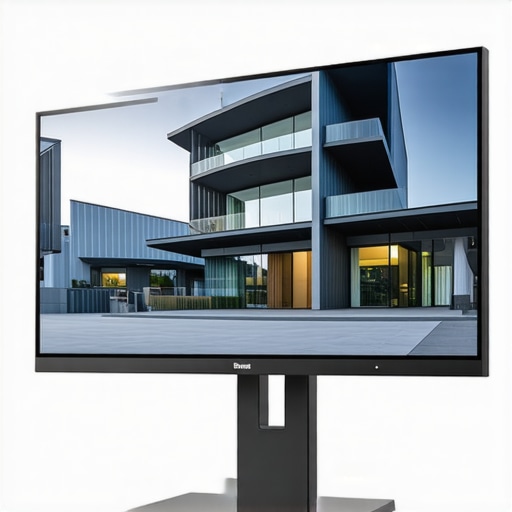
For architects aiming for unerring color precision, choosing a display with comprehensive gamut coverage (like DCI-P3 or Rec. 2020) and high peak luminance is paramount. These features ensure that renderings, mood studies, and material palettes are accurate across different media, from print to digital presentations. Remember, the display’s calibration must be synchronized regularly to maintain this accuracy, especially when working across diverse project phases.
Understanding the Interplay Between Resolution and Detail in CAD Work
While 4K resolution has become a standard for visual fidelity, its benefits in CAD and BIM workflows are nuanced. Higher resolutions allow for finer detail during modeling and annotation, reducing the need for zooming and panning that can introduce visual misinterpretations. Nonetheless, the hardware supporting such resolution must also handle the extreme pixel density without sacrificing performance. Monitors with professional-grade scalers and sufficient refresh rates ensure smooth interaction, critical during intense modeling sessions. As per recent industry research, synergy between resolution, calibration, and hardware responsiveness can significantly boost productivity and precision.
**What innovations in monitor technology are set to redefine professional design workflows?**
Emerging developments like quantum dot-enhanced panels, mini-LED backlighting, and real-time calibration automation are rapidly transforming the landscape. Companies such as Eizo and BenQ are pioneering solutions that offer near-zero color drift, ultra-wide color gamuts, and adaptive HDR capabilities tailored explicitly for design professionals. These advancements mark a paradigm shift—where consistency, depth, and dynamic range are no longer compromises but integral features of next-generation professional monitors.
To explore these cutting-edge options and how they integrate into your existing workflow, consider reaching out to industry experts or visiting specialized hardware review platforms dedicated to professional visualization tools.
Challenging the Limits of Traditional Calibration Methods
While standard calibration techniques have served professionals well, the demands of 2024’s high-fidelity workflows necessitate an evolution towards more sophisticated approaches. The integration of spectral measurement and multi-point profiling allows for a granular analysis of display outputs, addressing subtleties like color decay and luminance uniformity across the panel. Leveraging tools such as multi-spectral radiometers can uncover discrepancies invisible to standard colorimeters, thus enabling a more comprehensive calibration profile that aligns closely with industry standards such as BT.2020 and DCI-P3.
>The Role of Spectral Data in Achieving True Color Fidelity
Expert calibration transcends mere RGB adjustments—it’s about understanding the spectral power distribution of your display. Spectral data acquisition aids in diagnosing issues like metameric mismatches, where the same perceived color varies under different light conditions or between displays. Incorporating spectral measurement into calibration workflows ensures that the emitted light closely matches the spectral profiles required for specific media outputs, especially critical in film production and architectural visualization where material appearance depends heavily on spectral response. For technical insights, refer to authoritative sources such as the Journal of Imaging Science and Technology.
How Can Implementing Spectroradiometry Revolutionize Your Color Workflow?
Employing spectral measurement enhances calibration precision by providing detailed insights into the display’s emitted spectrum, allowing for adjustments that optimize color rendering and energy efficiency simultaneously. This methodology is especially valuable when working with high-end OLED or quantum dot panels, where spectral fidelity influences how accurately fine color variations are reproduced. To stay ahead in competitive industries, integrating spectral data into your regular calibration regimen can become a distinguishing factor, delivering results that are both visually stunning and scientifically precise.
Harnessing Machine Learning for Dynamic Calibration Stability
Emerging machine learning algorithms are now capable of predicting and compensating for calibration drift in real-time. These intelligent systems analyze patterns in luminance and chroma shifts caused by temperature fluctuations, aging components, or usage cycles, proactively adjusting the display’s settings. Implementing such adaptive calibration solutions reduces the downtime and re-calibration frequency traditionally required, ensuring consistent color accuracy throughout demanding project timelines. For expert guidance, explore resources like the IEEE Transactions on Neural Networks on adaptive display technology.
Why Material Quality and Panel Architecture Matter More Than Ever
The physical construction of professional monitors—particularly panel composition—directly impacts calibration longevity and efficacy. Advances in IGZO, mini-LED backlighting, and quantum dot layers yield wider color gamuts, higher peak luminance, and improved uniformity. These technological enhancements serve as a bedrock for calibration accuracy, enabling finer adjustments and more stable outputs. Experts emphasize that selecting a monitor with superior panel architecture minimizes the necessity for frequent recalibration, saving time and maintaining output integrity across multiple project phases.
External Light Management: An Overlooked Calibration Companion
Deliberate control over ambient illumination is paramount in ensuring that calibration accuracy reflects real-world viewing conditions. Dynamic lighting environments, reflections, and wall colors can significantly distort color perception, undermining the calibration efforts. Installing neutral-tone surroundings, employing anti-glare treatments, and utilizing adjustable lighting systems facilitate a controlled environment, making calibration results more reliable. For in-depth strategies, consult the comprehensive guidelines presented by the Lighting Control Association.
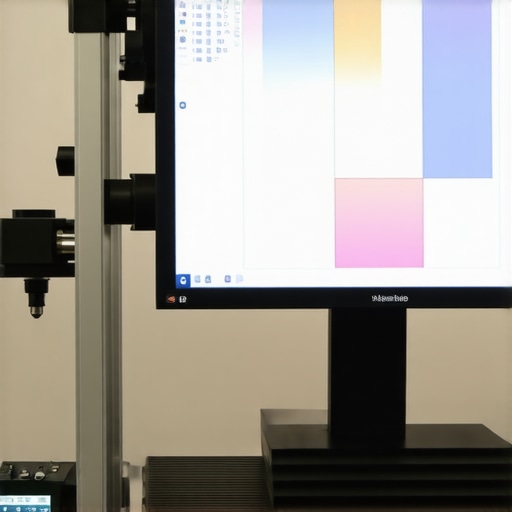
Incorporating environmental control tools such as spectrally neutral diffusers and calibrated light sources ensures consistency during calibration sessions, thus preserving the integrity of your display’s color reproduction when transitioning from calibration lab to actual working environment.
Resilient Calibration through Hardware-Software Synergy
The latest calibration hardware now features seamless integration with advanced software platforms that support AI-driven diagnostics, multi-point profiling, and real-time feedback loops. This symbiosis enables calibration workflows to adapt dynamically, enhancing stability and precision. Investing in such hybrid solutions yields long-term benefits, especially in workflows demanding absolute consistency, such as medical imaging, high-end photography, and visual effects post-production. Explore manufacturers like X-Rite and Datacolor, whose integrated systems exemplify this cutting-edge paradigm.
Tailoring Calibration Protocols for Niche Professions
Different creative sectors—be it digital arts, VR content, or scientific imaging—impose unique calibration requirements. For instance, virtual reality content demands displays calibrated for specific color standards to ensure immersive realism, while scientific visualization requires traceability and metrological validation. Custom calibration workflows, combining spectral measurement, environmental control, and industry-specific standards, enable professionals to meet these specialized demands. Consulting industry-specific calibration guidelines ensures your workflow remains uncompromised by generic approaches, thereby elevating your output’s reliability and perceptual fidelity.
Expert Insights & Advanced Considerations
Elevate Your Calibration Protocols for Peak Performance
Implement multi-point spectral profiling to ensure precise color consistency across your display’s entire gamut, especially in high-dynamic-range workflows. Regularly update calibration routines to incorporate emerging industry standards, thereby future-proofing your visual fidelity.
Prioritize Hardware That Supports Your Creative Nuances
Select calibration tools and monitors that are tailored to your specific media requirements—whether HDR video, digital photography, or architectural visualization—to achieve optimal results without unnecessary compromises.
Control Your Environment for Reliable Results
Invest in ambient lighting management and neutral-colored surroundings to create a stable viewing environment, minimizing perception discrepancies that can affect calibration accuracy and color judgment.
Leverage Industry-Leading Resources for Deep Expertise
Stay informed through authoritative sources such as Mastering Color Accuracy and Top Monitors for Creatives, which provide insights into cutting-edge display technologies and calibration best practices.
Experiment with Emerging Technologies to Stay Ahead
Explore innovations like quantum dot enhancement, mini-LED backlighting, and AI-driven calibration systems to push the boundaries of display precision and workflow efficiency.
Curated Expert Resources
- Mastering Color Accuracy and Top Monitors for Creatives — A comprehensive guide to selecting and maintaining professional-grade displays with optimal color fidelity and calibration stability.
- Calibration Tools Explained—Why Precision Matters for Designers — An authoritative overview of hardware calibration devices and their impact on visual consistency.
- The Ultimate Guide to 4K Monitors for Professional Visuals — In-depth analysis of resolution, gamut coverage, and calibration standards tailored for high-end creative workflows.
- HDR Monitors Unveiled—Elevate Your Visual Experience in 2025 — A forward-looking resource on HDR technology innovations, standards, and calibration techniques that define next-generation display performance.
The Final Word on Precision in Visual Displays
Within the sphere of HDR and calibrated monitors, achieving impeccable color fidelity isn’t incidental—it’s deliberate. The convergence of advanced hardware, meticulous calibration practices, and a controlled viewing environment sets the stage for exceptional accuracy. As industry standards evolve and technology pushes new frontiers, your commitment to staying informed and adaptable will distinguish your work in a competitive landscape. Embrace these insights, leverage authoritative resources, and connect with industry specialists to refine your approach and maintain your edge in delivering visually stunning, true-to-life content.
About the Author